Submit your Awards of Excellence entries through Entries Express. If you already received a User ID and password by email, use them to sign in. If you did not receive credentials, follow the steps below to create an account.
Create an account
- Open Entries Express.
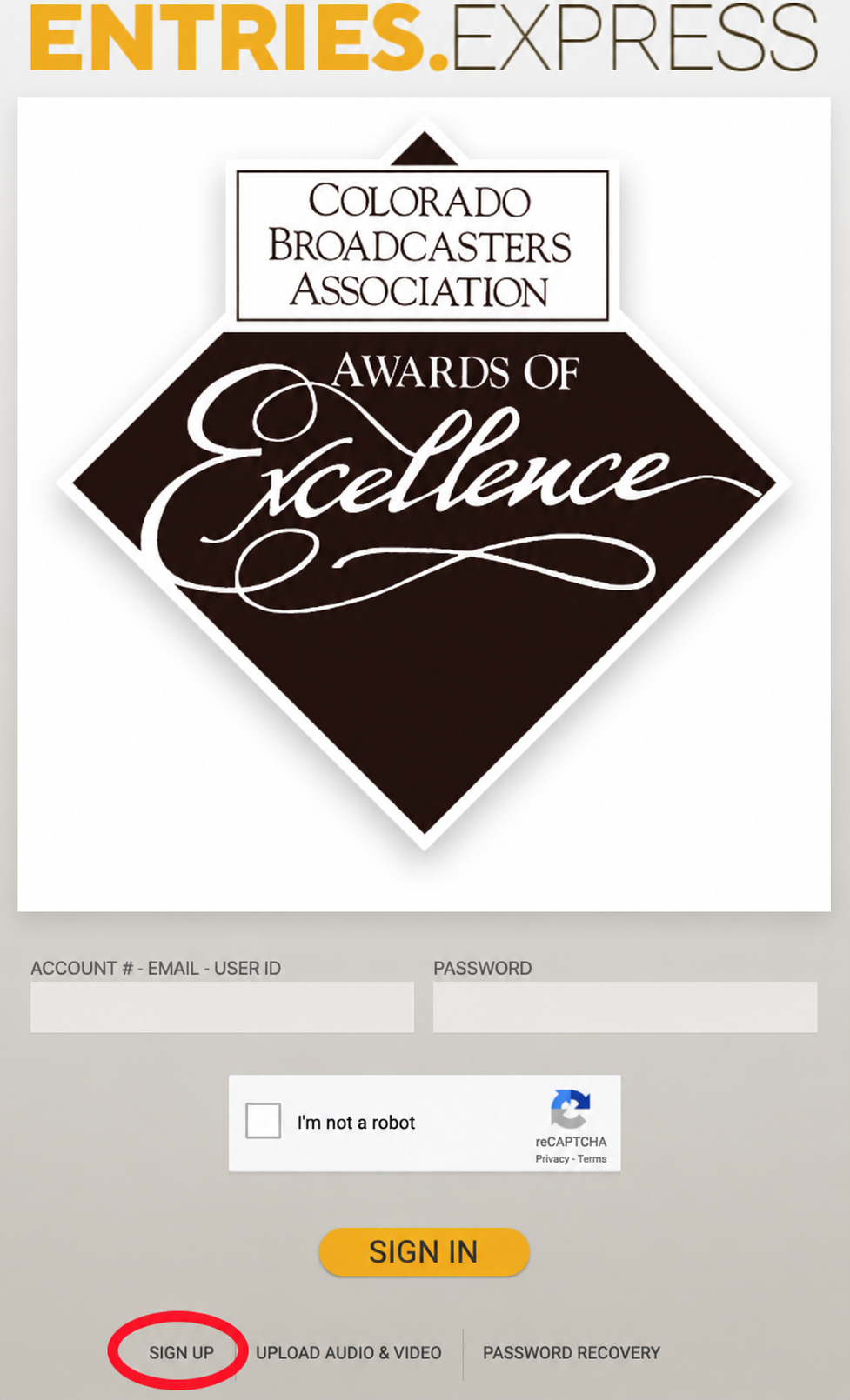
- Scroll to the bottom of the sign-in screen and select SIGN UP. The screenshot below shows where to find it.
- Enter your account information.
- Complete the “I’m not a robot” reCAPTCHA.
- Select Create Guest Account.
Wait for membership confirmation before submitting entries. A newly created account starts as a guest account. Entries submitted while it is still a guest account will be charged the nonmember rate of $90 per entry.
The CBA office receives notice of your new account and will confirm your CBA membership. After confirmation, your account will be updated to a member account. This process may take up to 24 hours.
Once your member account is confirmed, return to Entries Express to submit your entries. Review the Call for Entries for categories, rules, deadlines and entry fees.